Review your items, add your details, then copy and send the message to our Facebook Page.
Ready to send to AMB
Save your request to AMB, then open Messenger. Your selected products, photos and contact details will appear in the conversation after Messenger connects.
By continuing, you share your name, contact number, delivery address and selected products with AMB Furniture Trading. Your request is saved privately on this website and sent through Meta Messenger when connected. No payment is taken. Privacy notice
Open Messenger to connect your request ↗
In Messenger, tap Get Started if shown. Keep this page open to check delivery. If your request does not appear, AMB can still find it under the reference shown above.
Save your product photo summary, then copy the message below. Open Messenger, paste the message, attach the saved image and tap Send.
Include product photos
Save the photo summary below. In Messenger, attach the saved image using the photo / attachment button, then tap Send. Photos are not attached automatically.
Not sent yet. Paste your message in Messenger and tap Send so AMB receives it.
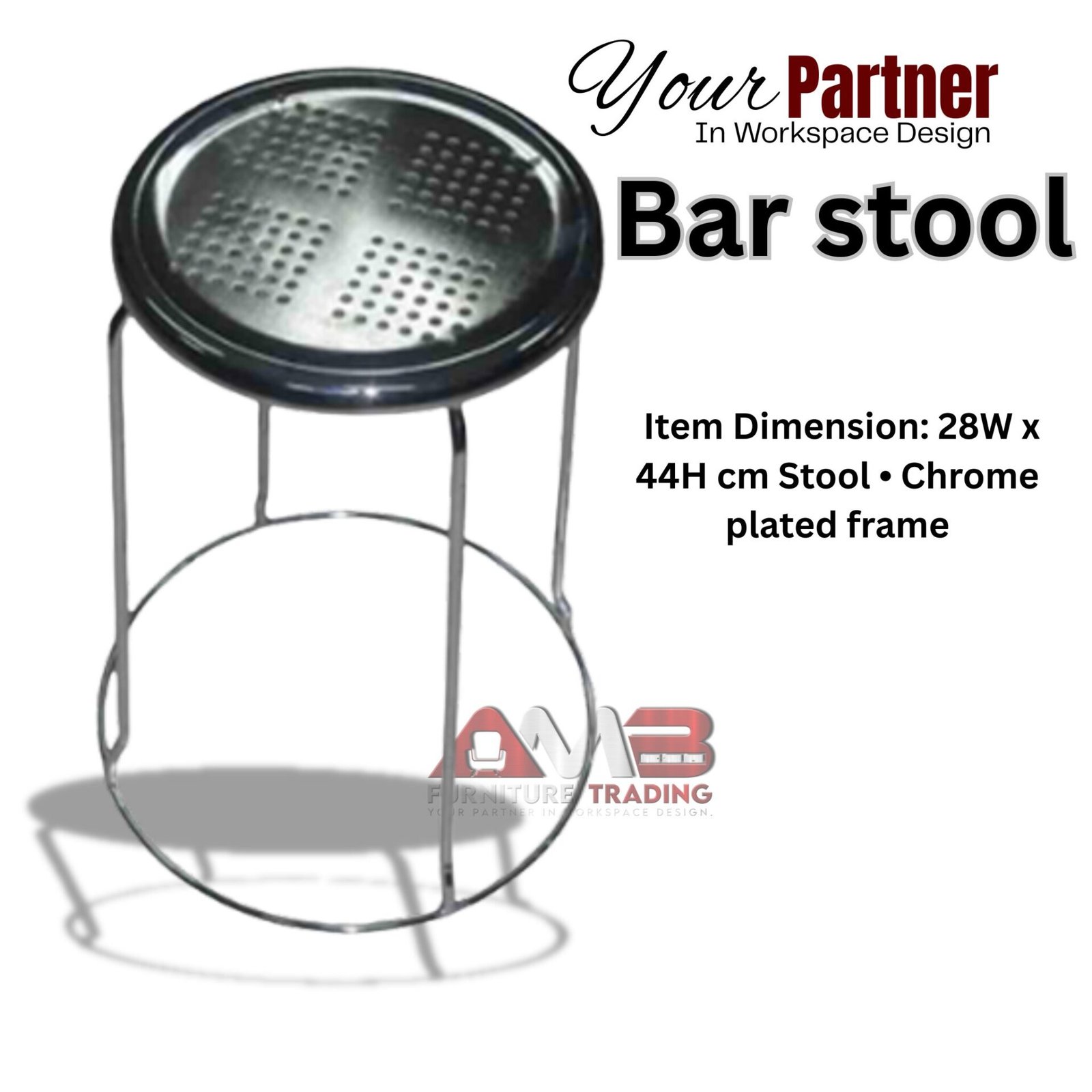
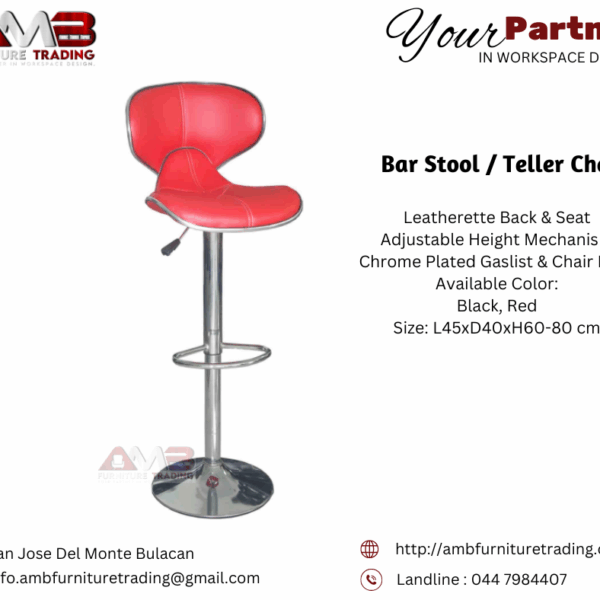
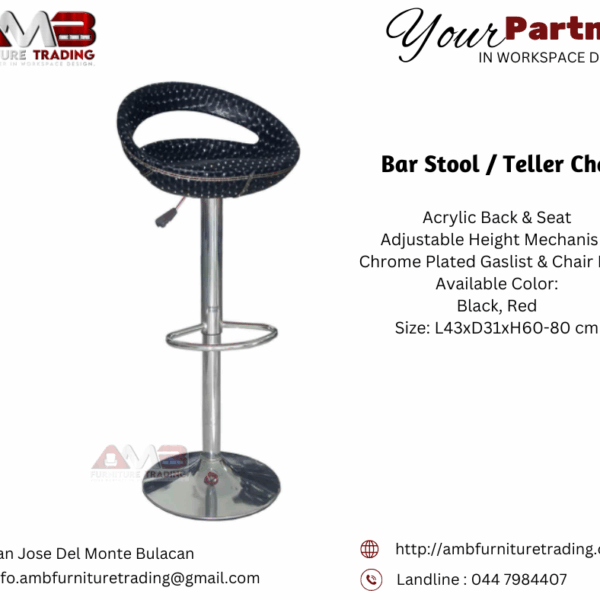
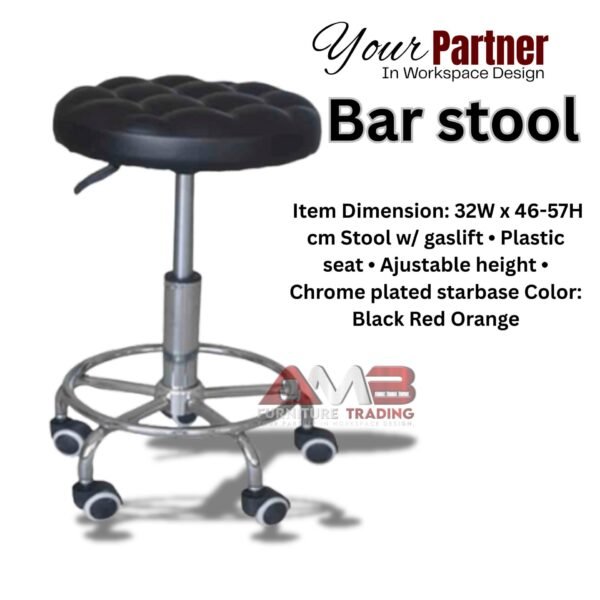
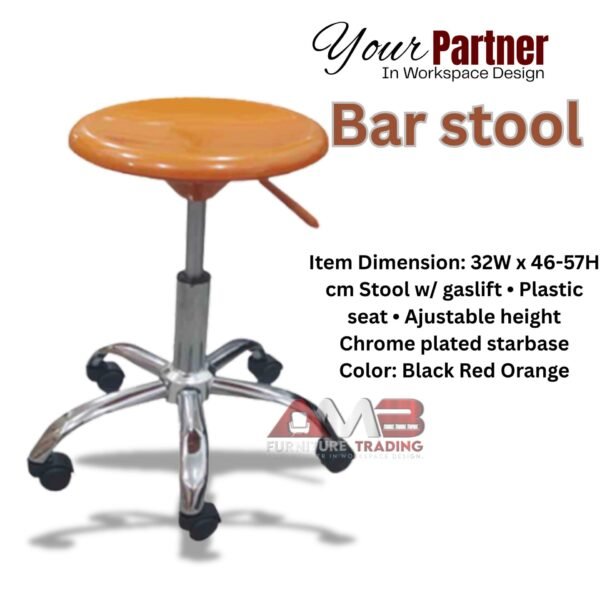
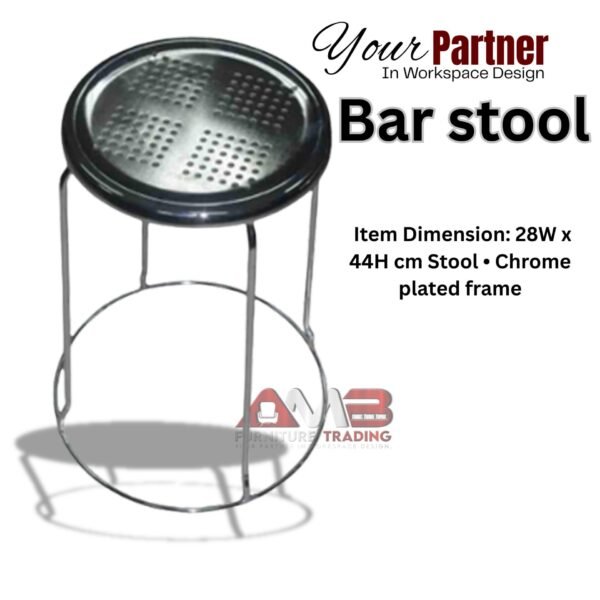
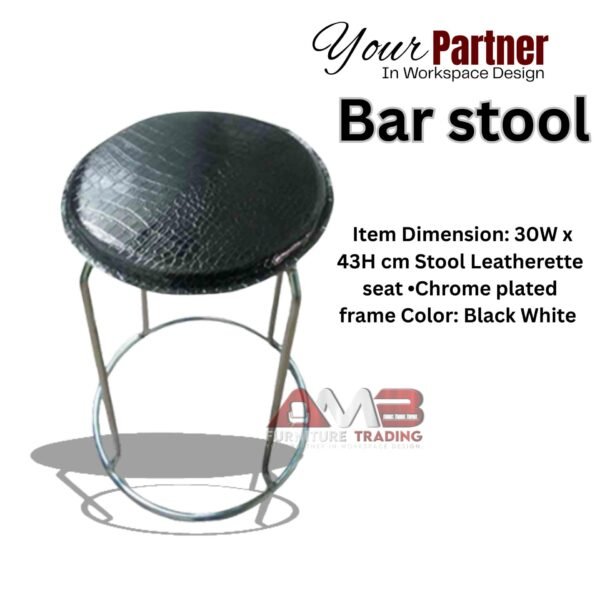
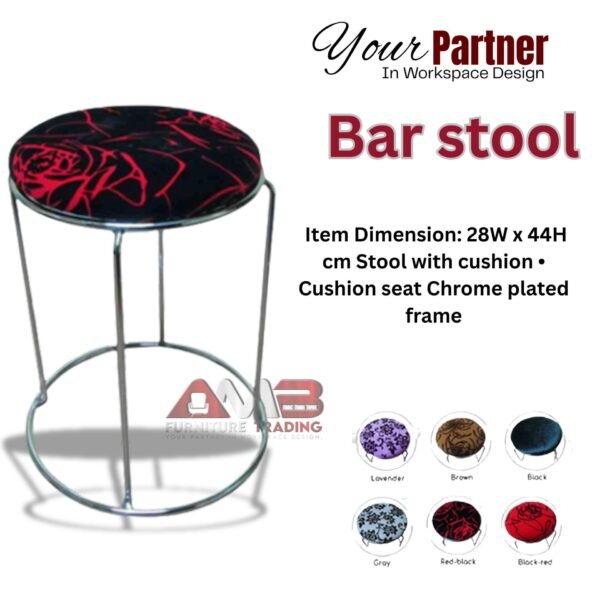

Reviews
There are no reviews yet.